
Select text
Highlight text in any app where you are already working.
DraftDrop is a lightweight macOS capture tool that saves straight into Obsidian and other Markdown note apps. Select text, review the note, and save it in seconds.
Local processing is available. Remote AI is optional and always under your control. Requires macOS 13 or later.
Highlight text in any app where you are already working.
Open DraftDrop with the shortcut you configured for text capture.
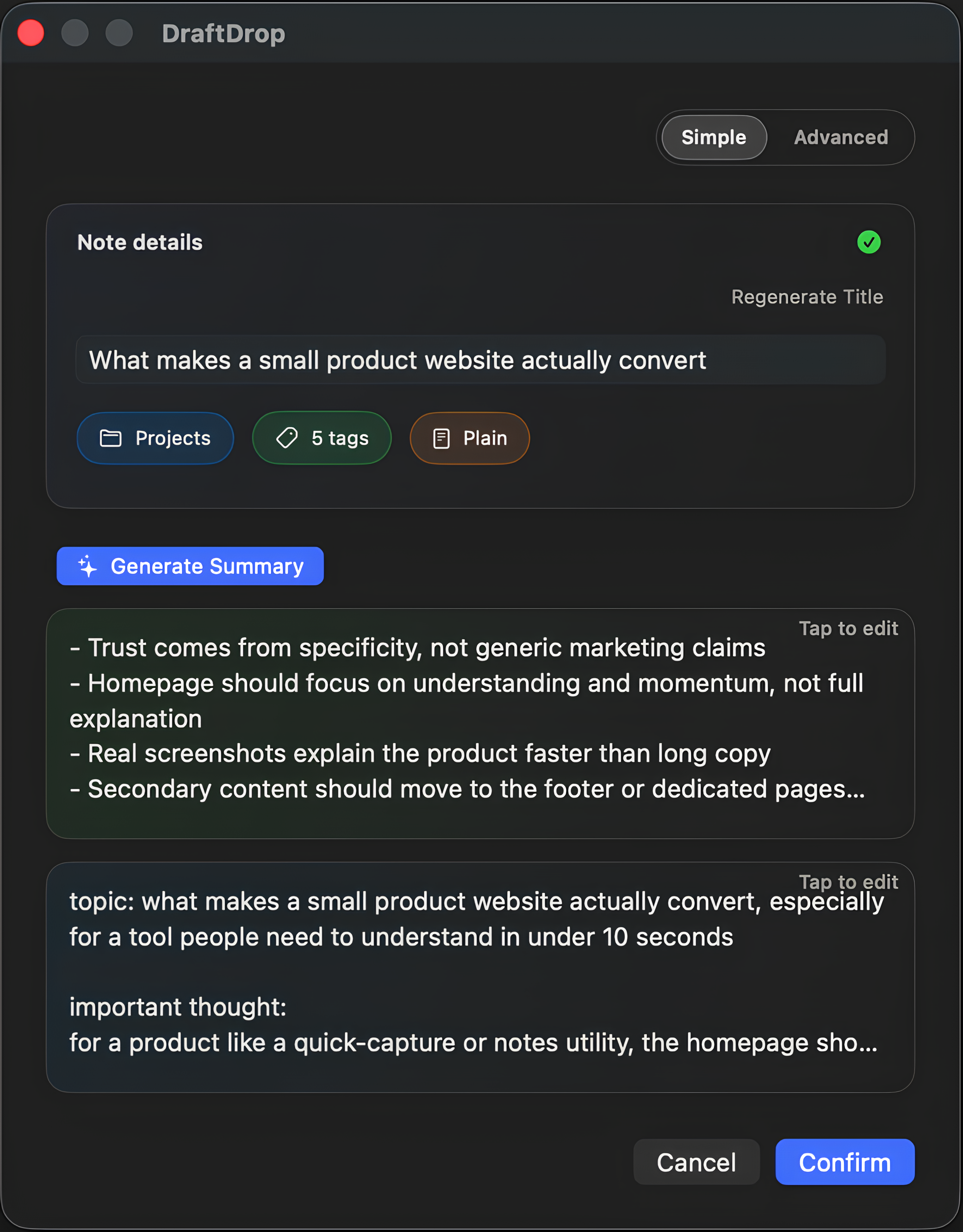
Press Enter if the note looks right, or edit title, tags, and summary first.
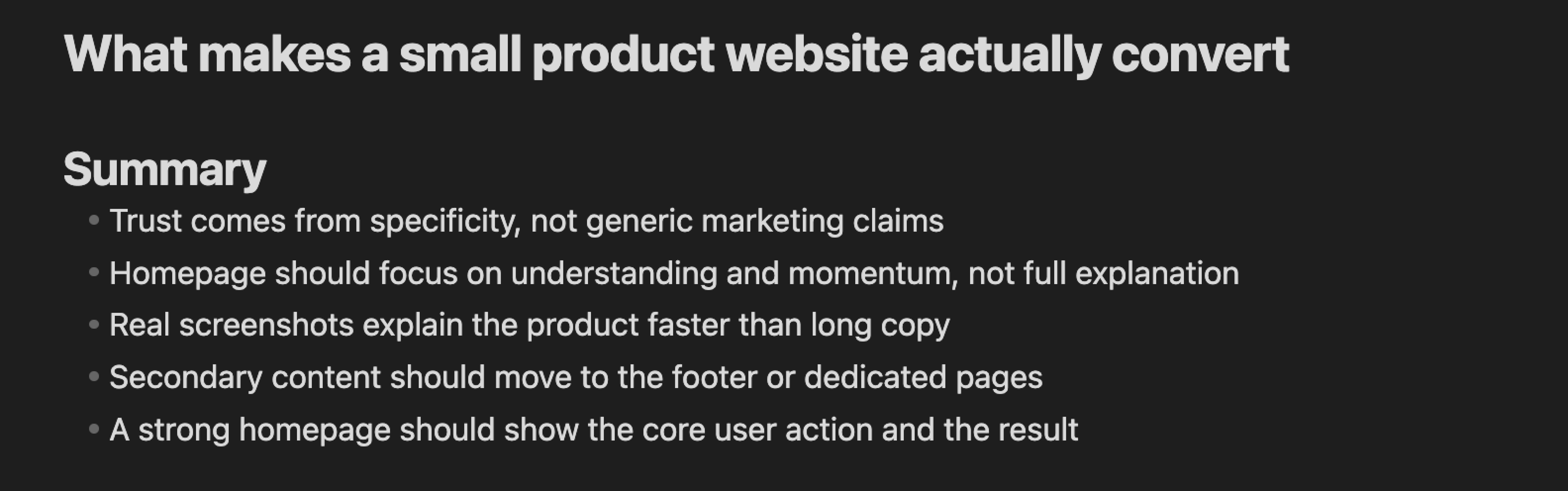
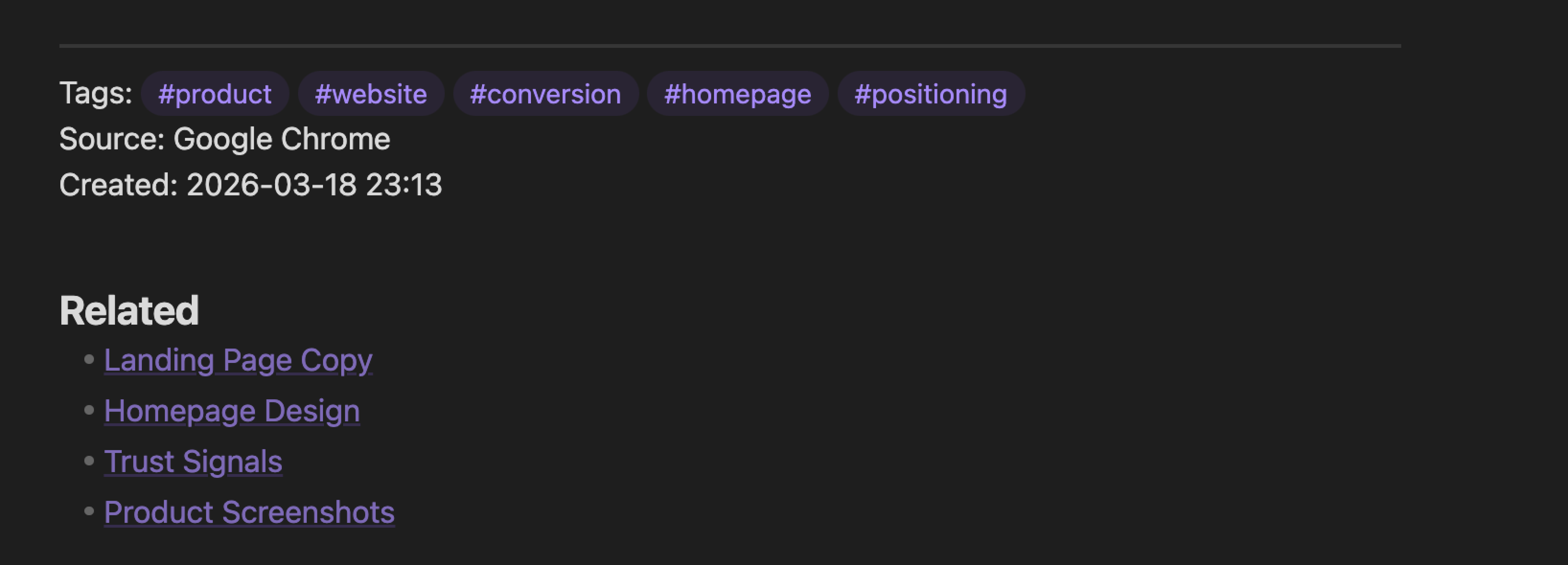
The note lands in the place you want, as a file you still own.
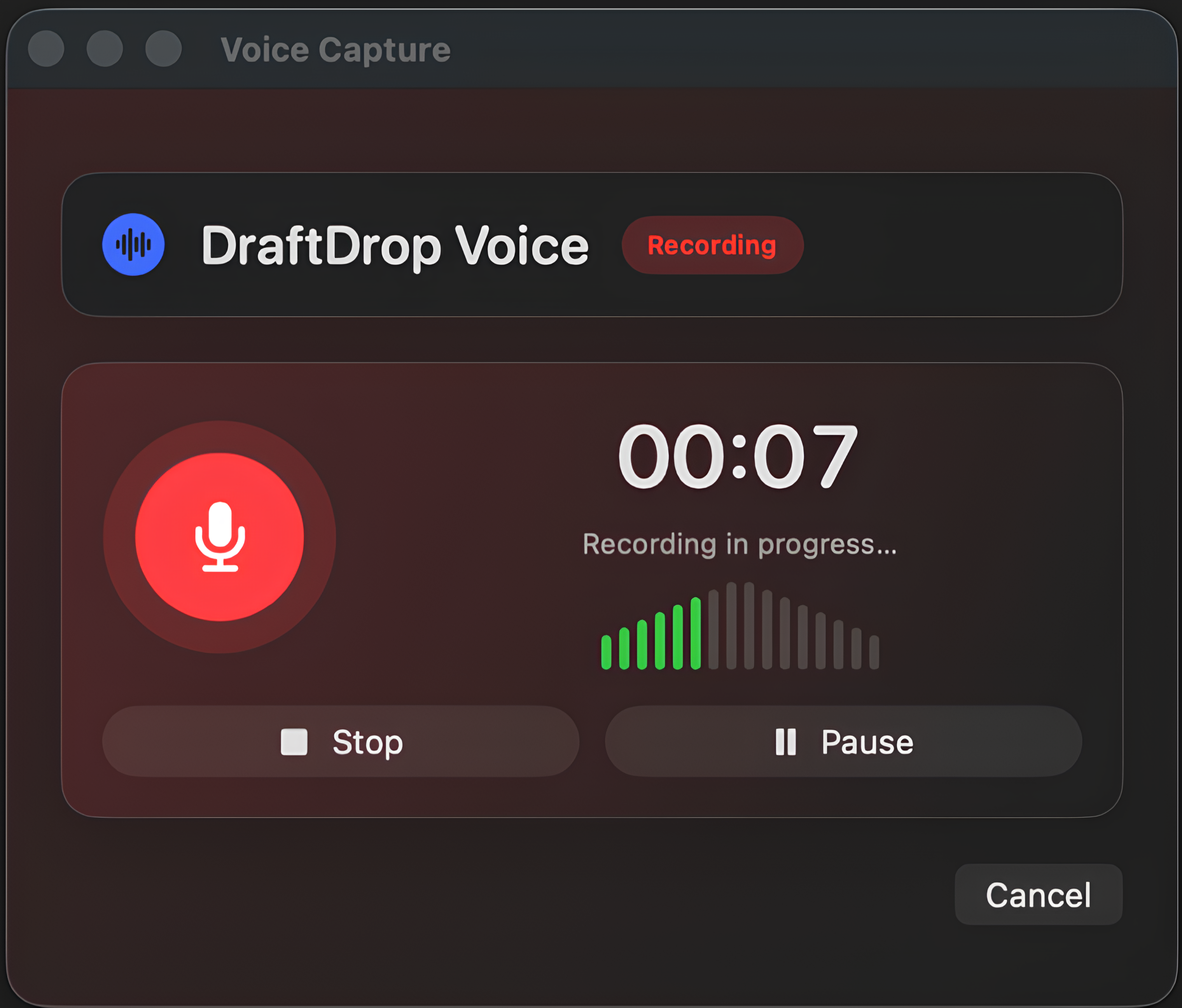
Open the capture window from any app, review the result and save a Markdown note that already has structure.
Quick capture, plain Markdown and just enough intelligence to help without getting in the way.
Use one global hotkey without breaking focus or leaving your current app.
Save into your Obsidian vault or any other Markdown note app, with files that stay portable and easy to own.
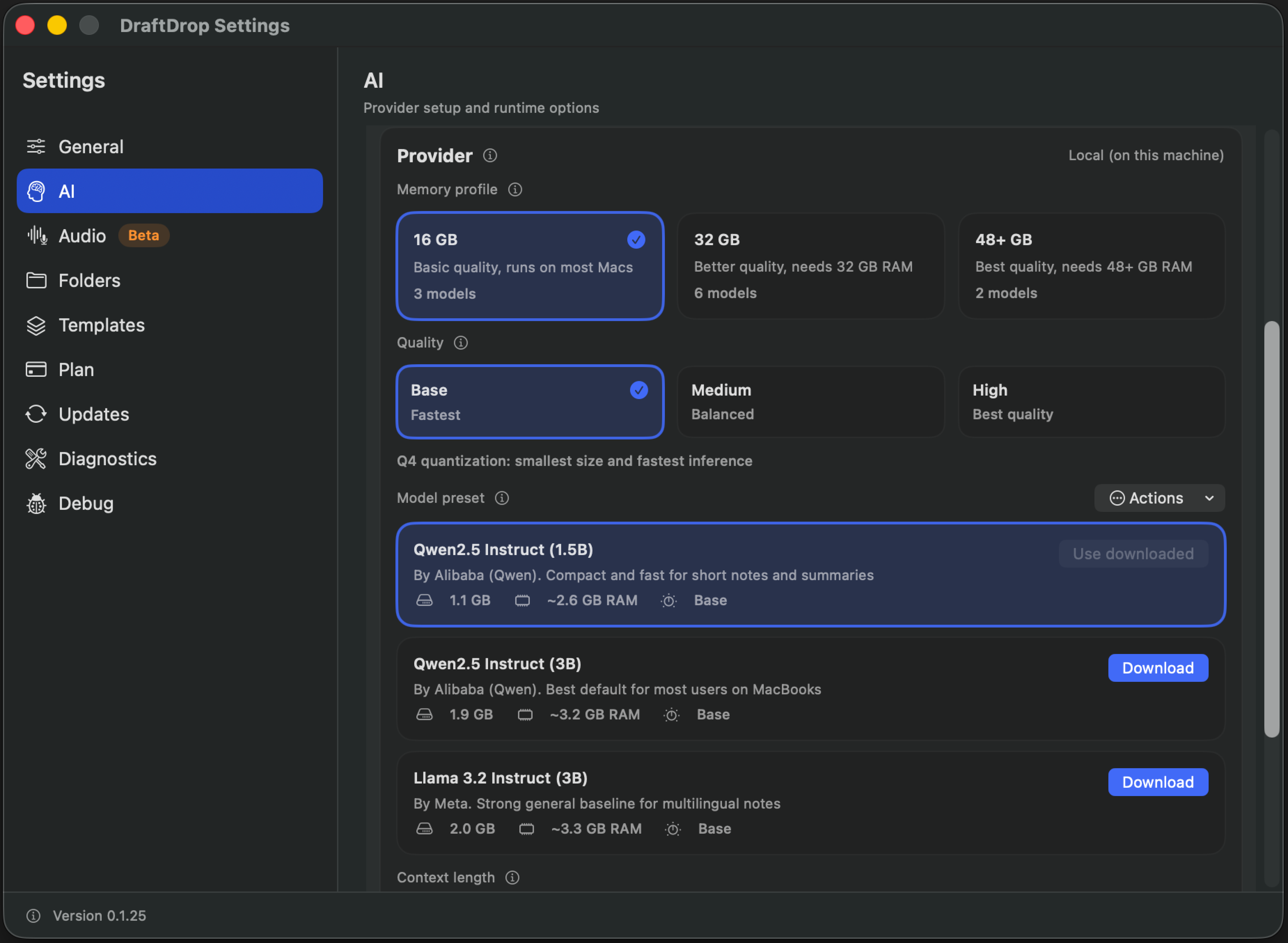
Generate titles, tags, summaries, and routing with local AI or your own provider keys.
Start with the full capture workflow, then upgrade only when DraftDrop becomes part of your daily system.
Pick monthly or yearly billing before checkout.
$0 forever
$9.99 per month
Billed monthly. Cancel anytime.
Save 26% with yearly billing.
$149 one-time
Secure checkout with Stripe. Review our Terms, Privacy Policy, and Refund Policy.
By continuing to paid checkout, you acknowledge that DraftDrop is digital content delivered without physical shipment. Where applicable law permits, immediate digital delivery and license fulfillment may reduce or remove the statutory withdrawal right once performance begins.
Need billing help? Open the subscription portal or email [email protected].
Send a message directly from the site for support, billing, integrations, or partnership requests.
Use the form for support, billing questions, integrations, or partnership requests. For direct email, write to [email protected].